Showing posts with label smartphone. Show all posts

Wednesday, January 1, 2014

Personal Experience: Building the MintyBoost v3.0 USB mini-recharger


Happy holidays!

This Christmas, my brother-in-law gave me the best gift: a MintyBoost v3.0 construction kit and associated small electronics components. I set to work right after the holiday rush died down putting it together; my thoughts on the project follow.


Monday, November 25, 2013

Building a Microscope

Recently, I stumbled across some directions for making my own microscope with a small collection of hardware-store parts and a smartphone. It looked like fun, so I thought I'd give it a try!


Overall, I'd say this project turned out pretty well. The directions on Instructables were very straight-forward. The only part I had to wing a bit was drilling the hole for the lens; I ended up using a 1/4" bit and "wiggling" a bit to enlarge the hole. Even still, the lens was a very tight fit, and it didn't fit quite flat. But it seems to have fit flat enough to give me good images.

One issue I encountered with the final construct was that I couldn't get the stage as close to the lens as it wanted to be to make focusing easy. I removed some washers, but still had issue. The easiest solution turned out to be simply stacking two blank slides underneath my subject matter.


Of course, once I got the thing assembled, it was time to try it out! :) I found a pretty inexpensive set of sample slides from Elenco and gave them a look!


My favorite thing about this rig is that the smartphone camera is so straightforward to operate; electronic zoom, auto focus. And of course, capturing images with the built-in camera couldn't be more straightforward!

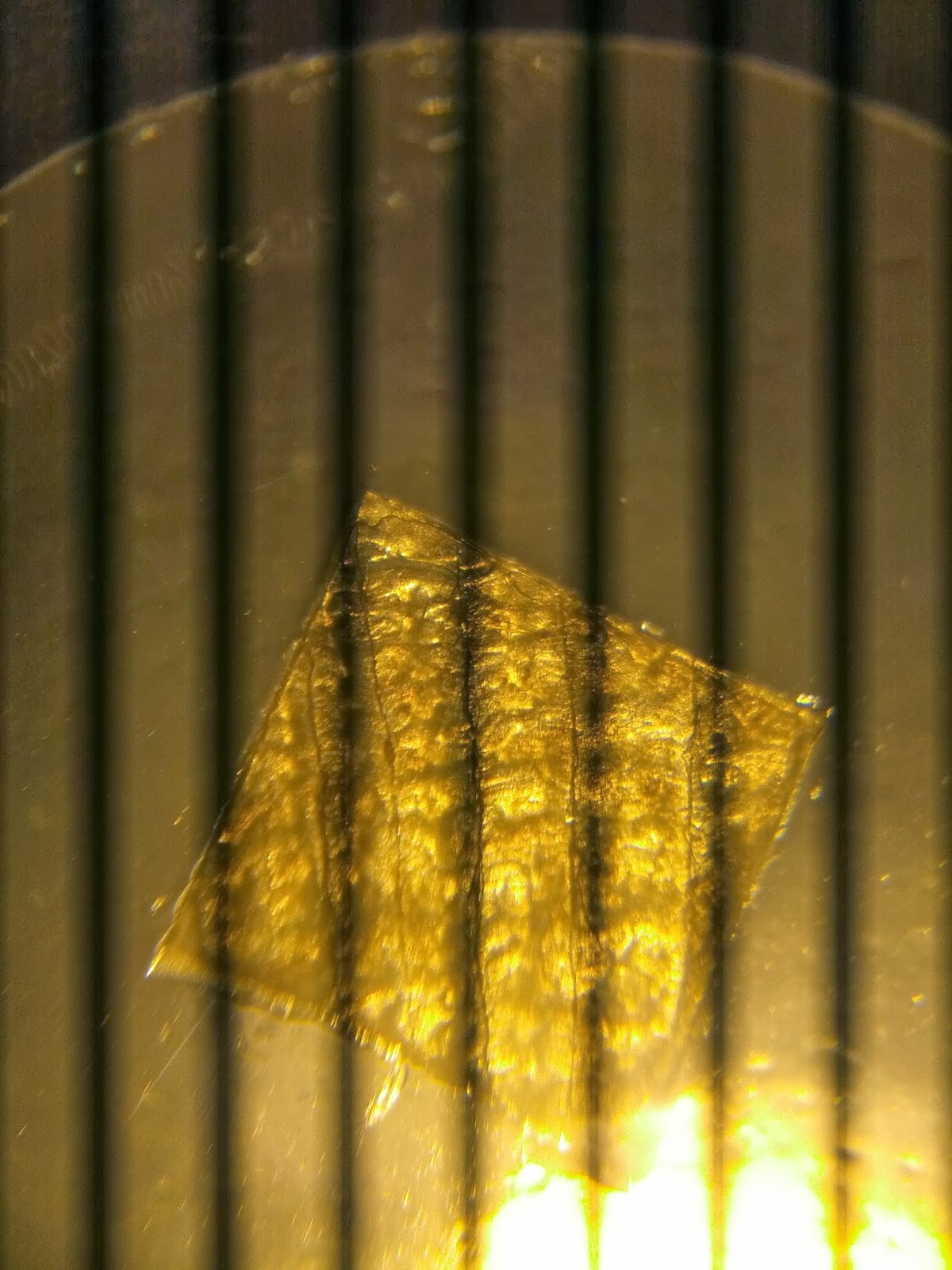
Microfilm reference slides

Bird feather
Nylon fiber
Grasshopper wing
Grasshopper leg
GENTLEMEN, BEHOLD! CORN(starch)!
Fish scale
I tried adding an LED touch-light as under-lighting for the stage, but it blew out the camera; this might work if I used some semi-translucent material to block the intensity.


Sunday, November 3, 2013

Personal experience: Patching a Galaxy Nexus with (expired) sugru


After several lucky years, I finally dropped my Galaxy Nexus in just the right way to crack a corner of the screen. I did a bit of research and found that one of the things sugru can be used for is to shore up a crack like that. I gave it a try, and I'm pretty happy with the results. The full steps are here; this is my personal experience following this process.

Note: If you follow this hack, be aware that it is not suitable for repairing cracks that intrude into the display or touch-sensitive areas of the screen. The hack guide on sugru.com points that out also, but I wanted to make it clear here to save you the trip if you've got a bigger crack.

So, some thoughts:

  1. Sugru is great stuff to work with. It's easy to mould, cleans quickly off of hands, and cures to a very nice, smooth-but-grippy surface. Documentation on it warns of possible allergic reactions to uncured sugru; I had no problems.
  2. The package of sugru I used was a free gift from a project last year; it was actually significantly past the expiration date (2012-12-13). I found that it still worked, but subsequent comments should factor that in.
  3. I found the steps of the guide suggesting you "delicately place the sugru into cracks" and "gently guide your finger" to be pretty untenable; the sugru I was working with had the texture of Play-Doh and tended to rub off of the phone or break up with too much handling. As a result, I ended up with a bit of a bulge in the finished product; I find it passable, but my wife doesn't score it to highly for attractiveness and it fires both of our OCD circuits. :) There is a good FAQ on how to get a smooth finish; I didn't try this process myself. I had thought that perhaps kneading it would make it less gummy, but I didn't try that; the same FAQ suggests this would not be desirable.
  4. My biggest concern trying this was that I'd inadvertently cover the front-facing camera. Fortunately, keeping the sugru off of the camera was quite easy, and I've noticed no diminished picture quality.
Sugru's pretty handy stuff. Now that I've gotten a chance to try it, I'm going to add it to my toolbox on future projects.